If you need to sign a document instead of using image signature, follow these steps.
- Go to Insert

- Click on Signature Line

It might appear with just its icon: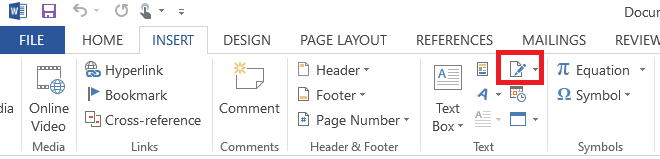
- Add a Signature Line
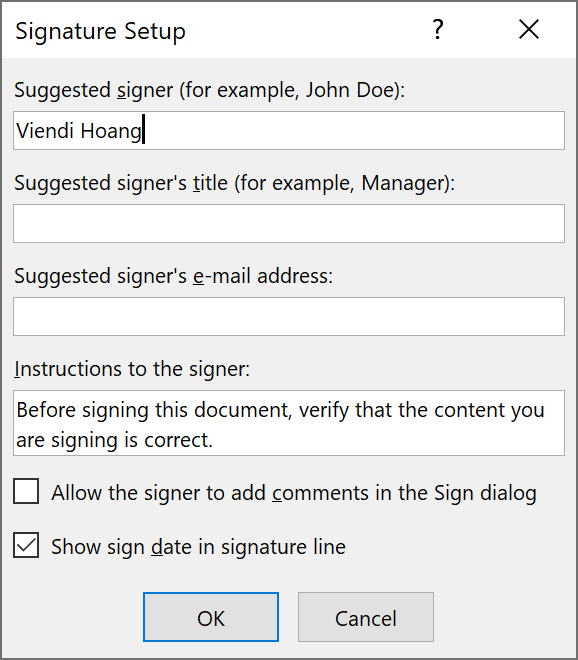
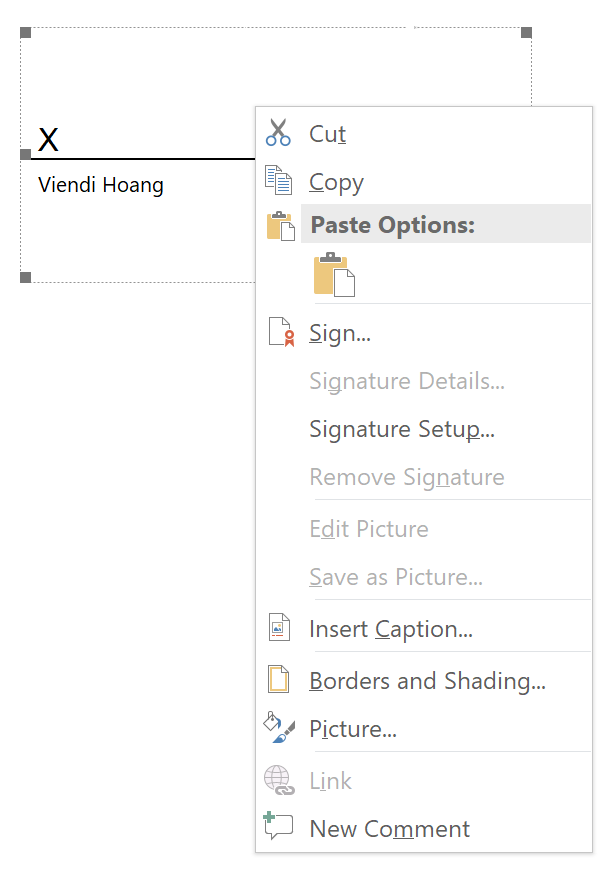
Note: in our example, we only use the First and Last Name - Right click the Signature Line
- Click Sign
- Sign by typing your name, using your touchscreen or touchpad to draw your signature, or select an image to use.
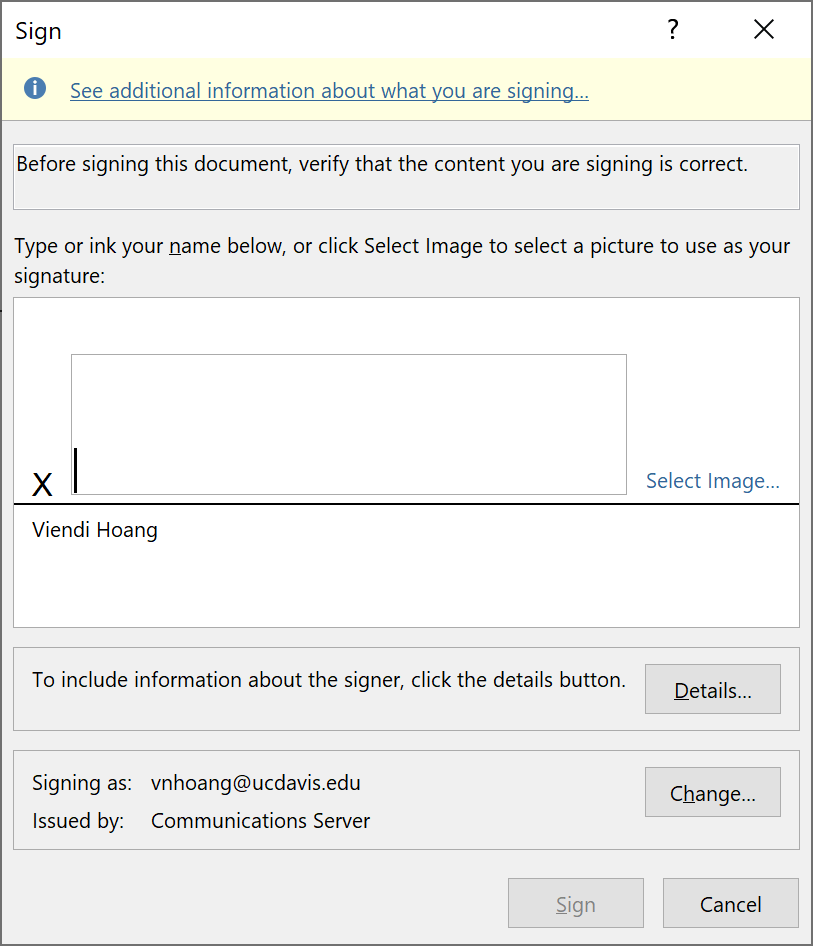
- If necessary, confirm the sign
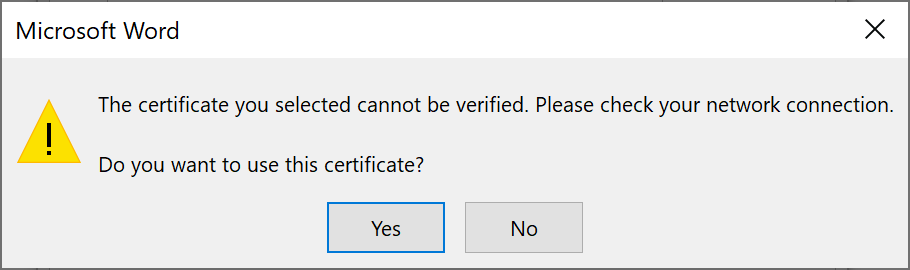
- Acknowledge the confirmation

Source: Microsoft
0 Comments