After polling your Zoom meeting participants, please follow these steps to generate a Poll Report.
Note: if you don't reload the list of meetings by clicking the Search button, Zoom will generate Registration Reports (the default selected).
- Log into Zoom in a web browser (https://ucdavis.zoom.us)
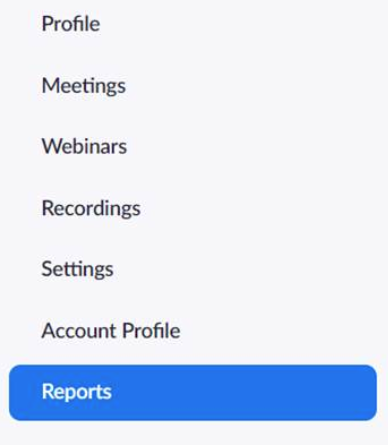
- Go to Reports
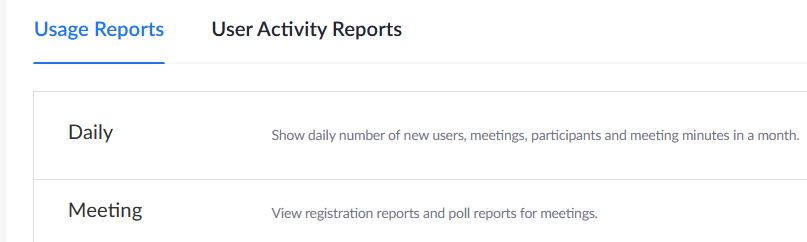
- Under Usage reports, go to Meeting
- Select Poll Report

- Click the Search button to reload the list of meetings

- You can search by time range

- Or search by meeting ID

- You can search by time range
- For individual Poll Reports, click the Generate link

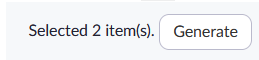
- For multiple Poll Reports, select your meetings and click Generate button
0 Comments