If you need to export your Office 365 contacts, please follow the steps below:
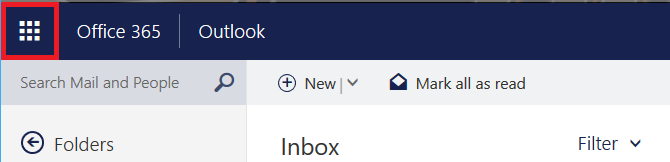
- Click on the app launcher button at the top left corner
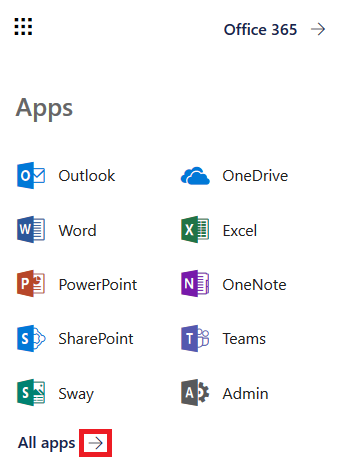
- Click on the arrow to expand the apps
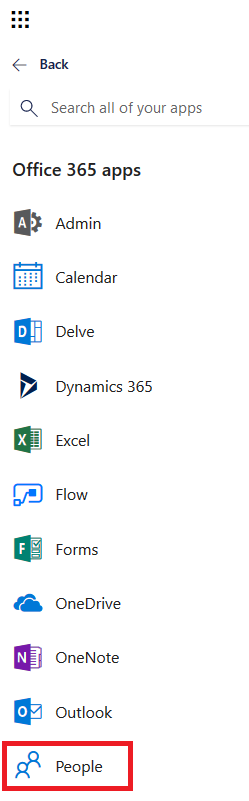
- Click on People
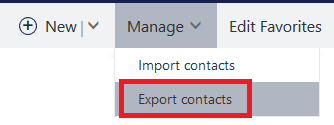
- Click on Manage

- Select Export contacts
- Choose if you want to export all contacts, or specific groups.
Note: you might only have one group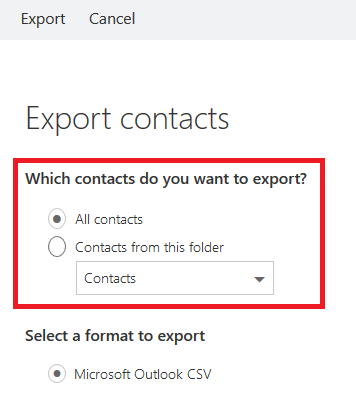
- Click the Export button

- Save your file

- Remember where you saved the file
0 Comments